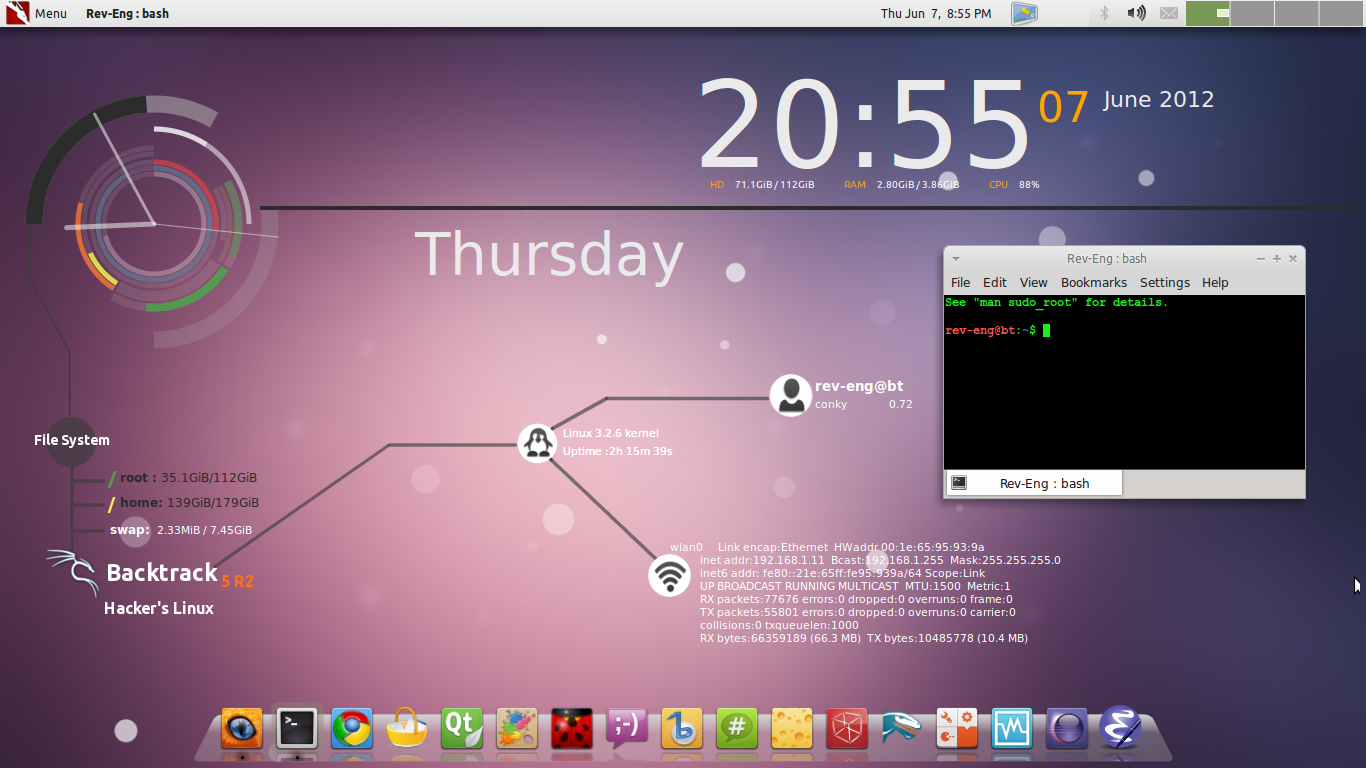
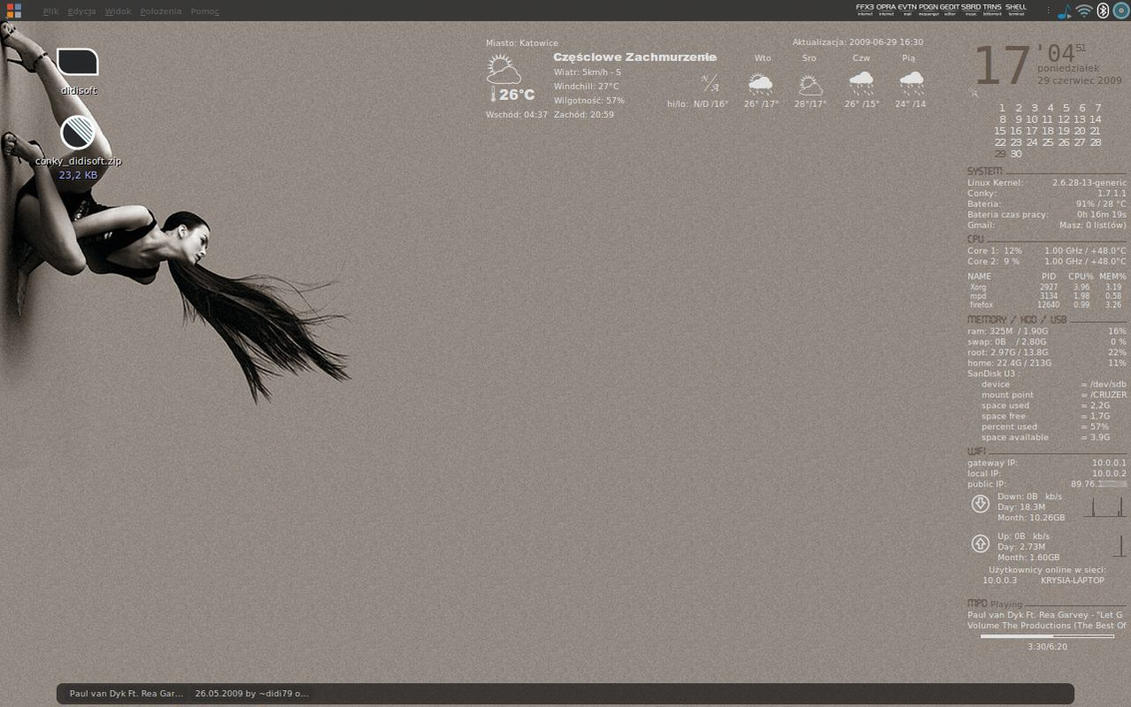
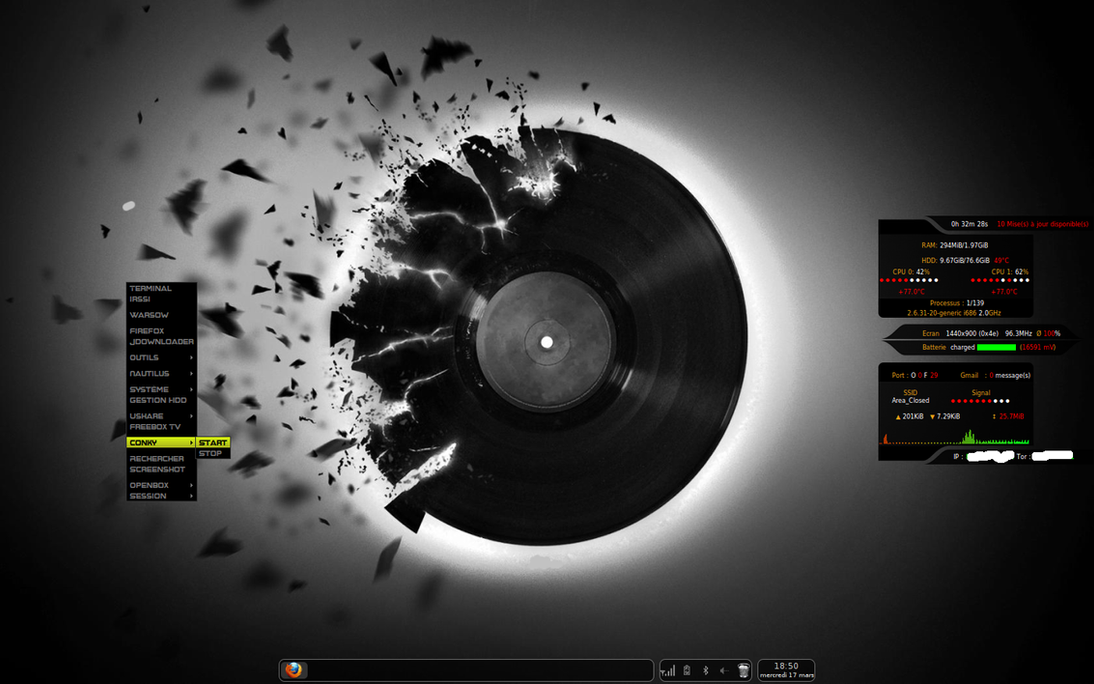
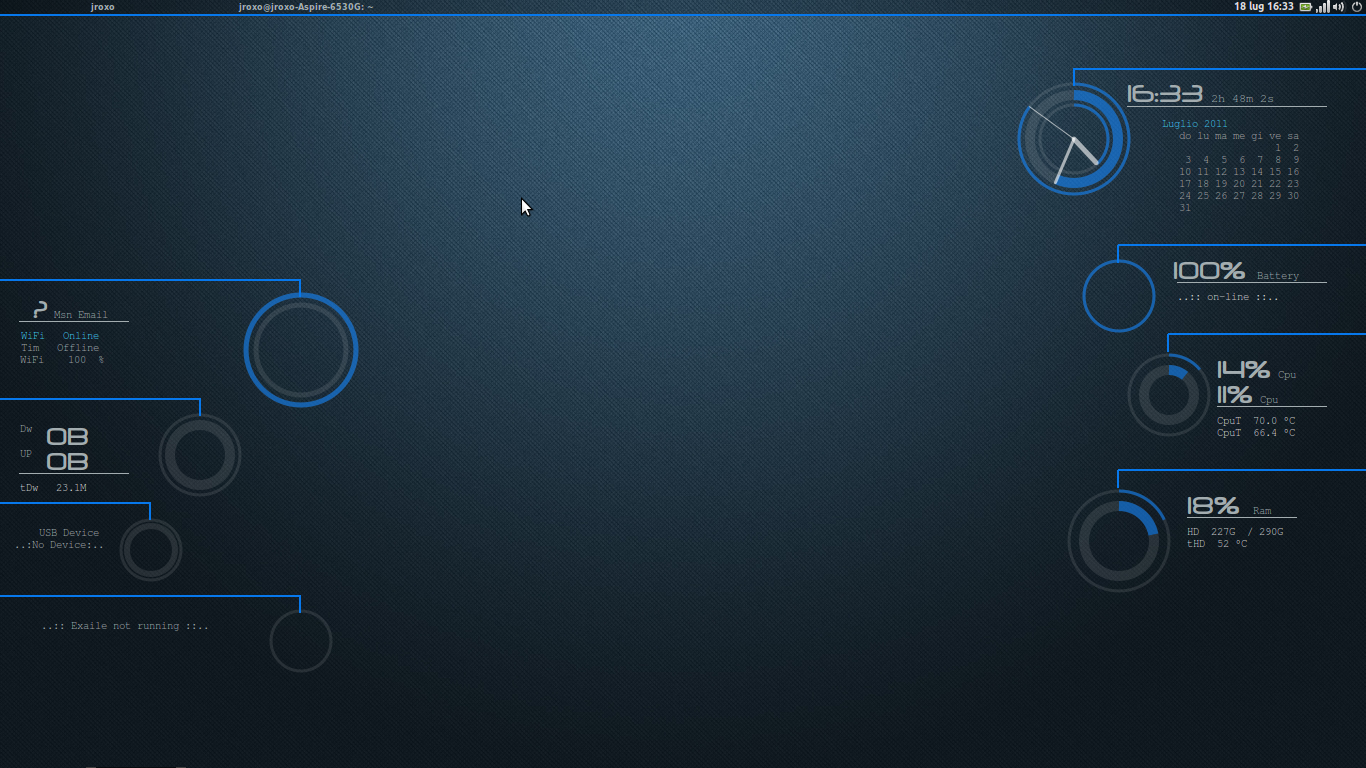
There have been tremendously detailed guides on configuring conky all over the internet. However, so much information can be confusing at times. And this universe of information can be especially intimidating for the people new to conky/linux. I felt the need to make a collection of useful and regularly updated resources to make the daunting task of configuring your conky a little easier.
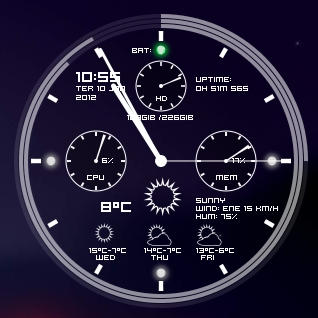
From knowing nothing about conky, I have made use of some of these online resources to make my conky look like this:

Let's take it step-by-step.
1. Installation
The installation for various distros are well documented on the official conky webpage.
Debian/Ubuntu
At a terminal:$ sudo apt-get install conkyGentoo
Have no fear, Conky is in portage. You can install it with:# emerge app-admin/conky or, using Paludis:
# paludis -i app-admin/conkyArch
Conky is available in pacman:# pacman -S conky FreeBSD
Conky is avaible in FreeBSD ports, check FreshPorts for details.Foresight
For Foresight Linux or any other rPath-based distro:# conary update conky=cookingwithroids.rpath.org@cwr:allCompiling from source
You'll need the X11 development libraries, version 6.8.2 or later. package name is probably libx11-dev (on Debian/Ubuntu), as well as the development libraries for any additional features.$ ./configure --prefix=/usr --enable-x11 --enable-mpd # see --help for a full listing of options$ make # make installsrc/.2. Configuration
So you just installed a shiny new conky on your computer. But nothing seems to work. Why is that so? This is because conky needs a configuration file to tell it what to display. This is usually named as .conkyrc and it contains instructions about what information to display on your desktop and how. Understanding the configuration file may seem difficult at first but you get the hang of it in a couple of hours even if you have never done any programming before.
A good resource to tweak the configuration file according to your needs has been written by VinDSL on ubuntuforums. The link to the guide is:
VinDSL's Conky Configuration Guide
3. Additional Dependencies & Fonts
Most configurations make use of additional scripts/plugins/fonts. Examples of these include certain weather scripts, email checking scripts or scripts that fetch the current track information from your music player.
These scripts have to be downloaded separately, and their paths configured in the conky configuration files that make use of them. Sometimes, the scripts themselves need additional editing - but this is usually very simple and often involves just replacing certain fields like your email id & password or the link to your local weather conditions.
4. Weather
Okay, why do I need to mention weather separately? Because configuring this part may be trickier than others. It used to be easy before weather.com made drastic changes to their website. Most scripts made use of weather.com until almost an year back, when the website made it mandatory to register to fetch weather updates.
One of the best resources I have come across for this is by Teo. The complete thread is at the following link:
Teo's weather scripts using Accuweather/WUnderground/NWS/Weather.com
5. Additional Information/References
If you are already familiar with a little programming and do not wish to go through the lengthy guides mentioned above the Arch Linux Wiki on conky is a good place to start. It details a lot of things from fetching RSS feeds to configuring GMail in conky.
Arch Linux Wiki
Another useful and concise option is the conky variable list at the official webpage on sourceforge. This list is presented in the form of a table, with a short description of how each command works. A little familiarity with conky may be required before you jump to this one.
Conky variables list on Sourceforge
Happy Conky-ing!